AI & Software Product Demo Videos
Demonstrations that help people understand what your software does and how to use it.
Put the product in context
A useful demo gives viewers a task to follow. It shows what someone is trying to do, how the product helps, and what the result looks like.
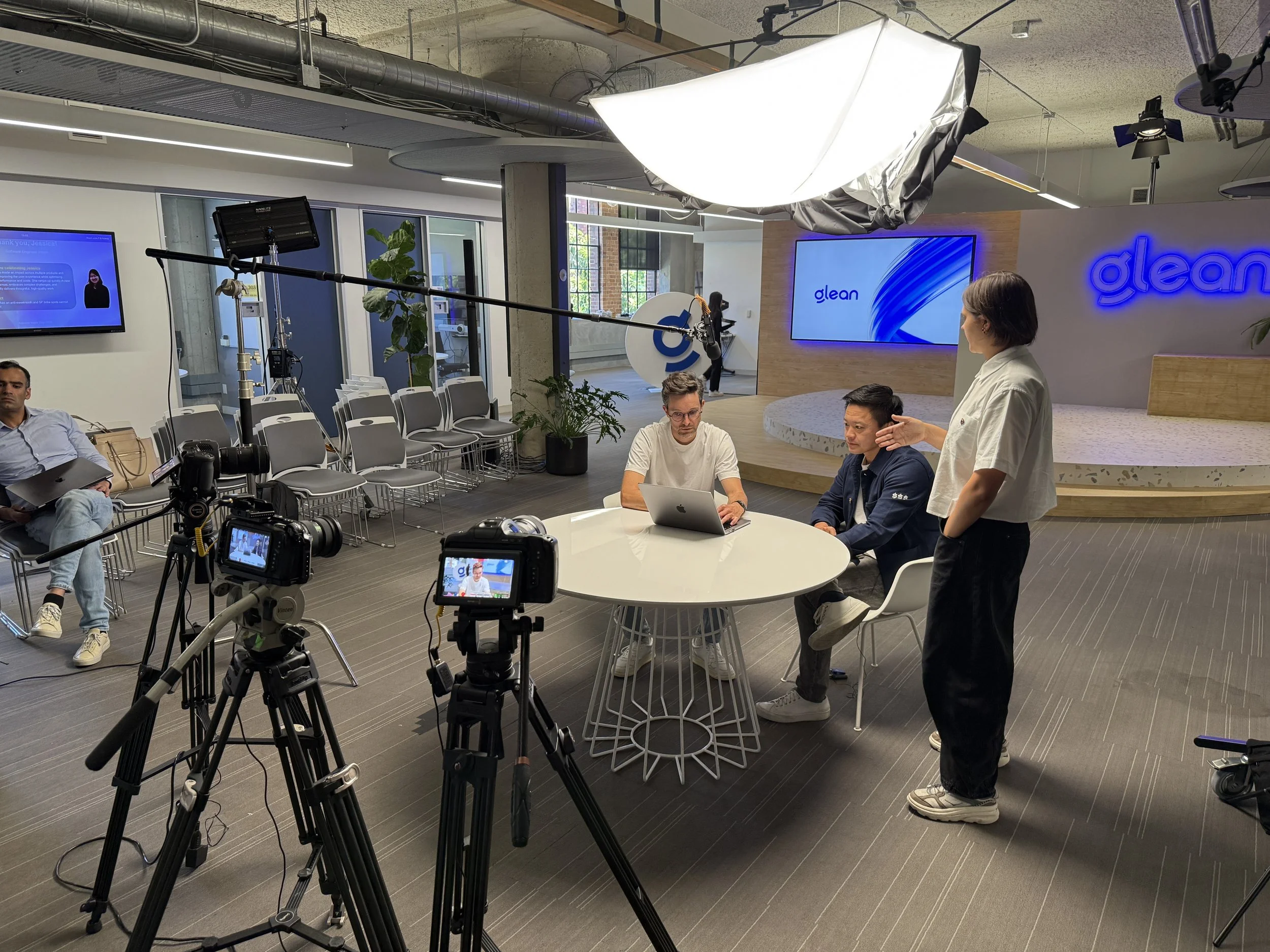
We work with your team to choose the workflow and explain it clearly. Screen recordings, on-camera demonstrations, and supporting graphics can show the software in use while keeping the story focused on what matters to your audience.
Software Demonstrations & Customer Use Cases
Rime Prism
Voice AI Demo
An on-camera demonstration of Rime’s Prism voice model, with supporting graphics. Filmed, edited, and designed to help viewers follow the product demonstration.
Pigment/Uber
Customer Use Case
A customer story showing how Uber uses Pigment’s AI Frames in its planning workflow. Customer perspective and product context help explain how the software fits into real work.
Planning a software demo?
Build the demo around the viewer
Introduce the product
Give new viewers a clear starting point. Show what the software does, who it’s for, and a useful example without trying to cover every feature.
Walk through a workflow
Follow a specific task from start to finish. Screen recordings, narration, or an on-camera presenter can guide viewers through the steps and explain the result.
Show a customer use case
Connect the software to someone’s work. Customer interviews and product footage can explain why a team uses it, how it fits into their workflow, and what they use it to accomplish.
Plan the demo before we record
Choose the workflow
We work with your team to define the audience, the task, and what viewers should understand by the end. Together, we choose the steps worth showing and the product details that need explanation.
Prepare the demonstration
We coordinate the demo environment, sample data, screen recordings, and any on-camera presentation. Your team confirms what’s ready to show and flags private information or features that aren’t public.
Edit for clarity
Sam edits the footage and recordings into a focused demonstration, adding supporting graphics where useful. Your team reviews the workflow, terminology, and product claims before final delivery.
Scope and budget
A walkthrough of one feature has different production needs from a filmed presentation or a customer story with interviews and product footage. The scope depends on the workflows we cover, how we capture them, the graphics required, and the finished edits you need.
Share your audience, timeline, and available budget. We’ll recommend an approach and agree on deliverables, review stages, and costs before production begins.
AI & Software Demo Questions
-
No. Bring the product information, key messages, and workflows you want to show. We can help shape those into a demonstration, with scripting and preparation included in the agreed scope.
-
No. A demo can use screen recordings, narration, graphics, or an on-camera presenter. We choose the approach based on the product, the audience, and how much explanation the workflow needs.
-
Yes, provided there’s a working version we can capture. We agree on what can be shown publicly and plan around approved features, sample data, and any confidentiality requirements.
-
We work with your team to choose representative examples and allow time for recording. The edit should accurately show what the product can do. If a result depends on particular settings, inputs, or conditions, we discuss how to make that context clear.
-
We’ll identify which recordings, graphics, or explanations need updating. Some changes may be straightforward, while others require new material. We discuss any effect on scope, cost, or delivery before proceeding.
-
Yes. Planning both at the start helps us capture the material each version needs. We agree on the workflows, lengths, and formats before production so the overview stays focused and the walkthrough has enough detail.
Planning a product demo?
Introducing a new product? Explore Product Launch Video Production.
For company films, customer stories, and funding announcements, explore Startup Video Production.